Syncing Free Gift Quantities to Purchase Quantities
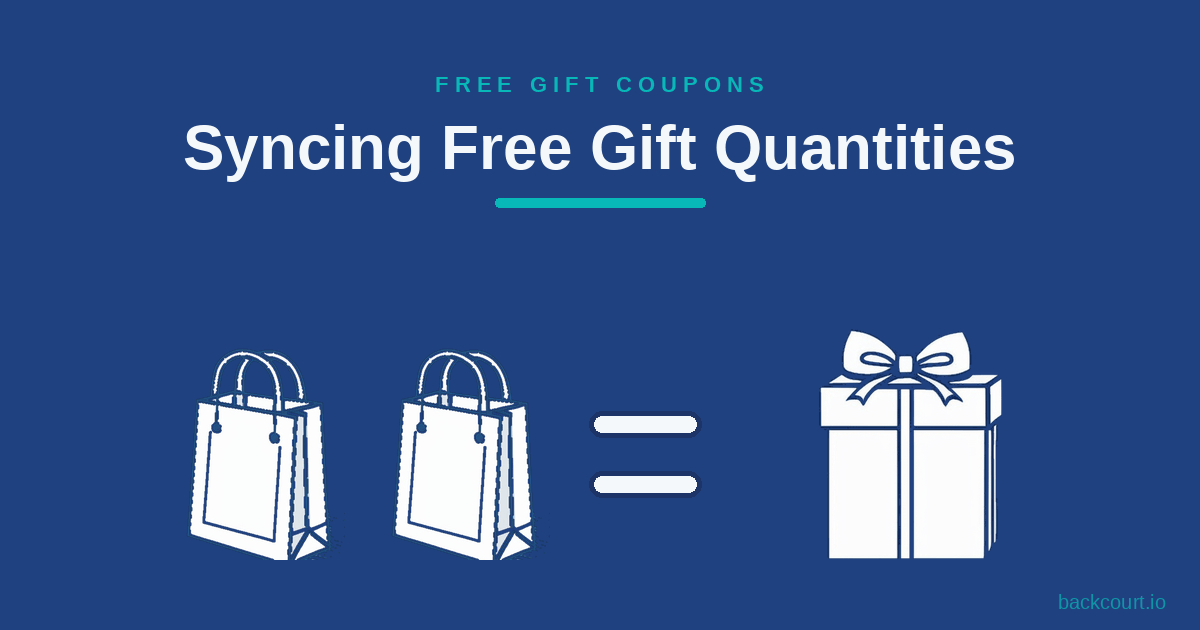
Giving one free gift when a customer buys five of something feels stingy. Free Gift Coupons can sync the gift quantity to the purchase quantity, so buying five earns five free gifts automatically.
Audience target
Giving one free gift when a customer buys five of something feels stingy. Free Gift Coupons can sync the gift quantity to the purchase quantity, so buying five earns five free gifts automatically.
Want certain products available only inside a build-your-own bundle, never on their own? The free Not Sold Separately extension removes their Add to cart button while keeping them selectable in any Mix and Match container.
Most service businesses already have a WooCommerce store and don’t want to bolt on a separate invoicing tool. Here’s how to use Name Your Price to accept any invoice amount through your existing checkout, with three options for capturing the invoice number.
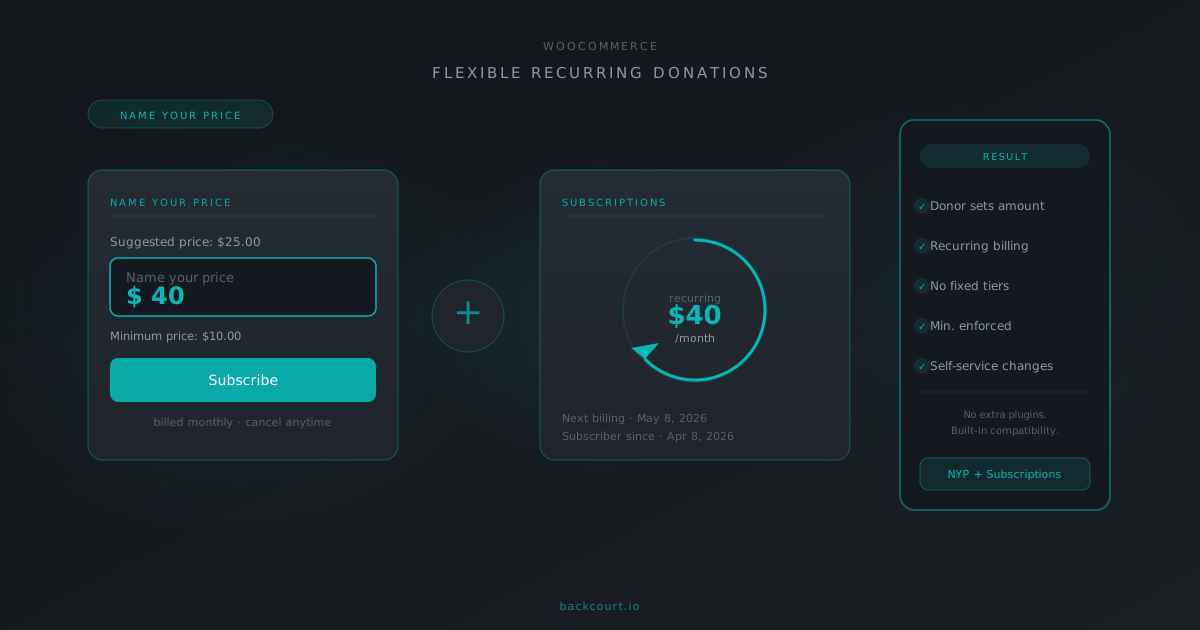
Name Your Price has built-in compatibility with WooCommerce Subscriptions, and together they let donors set their own recurring amount without fixed tiers. Here’s what the integration enables and what you’ll need.
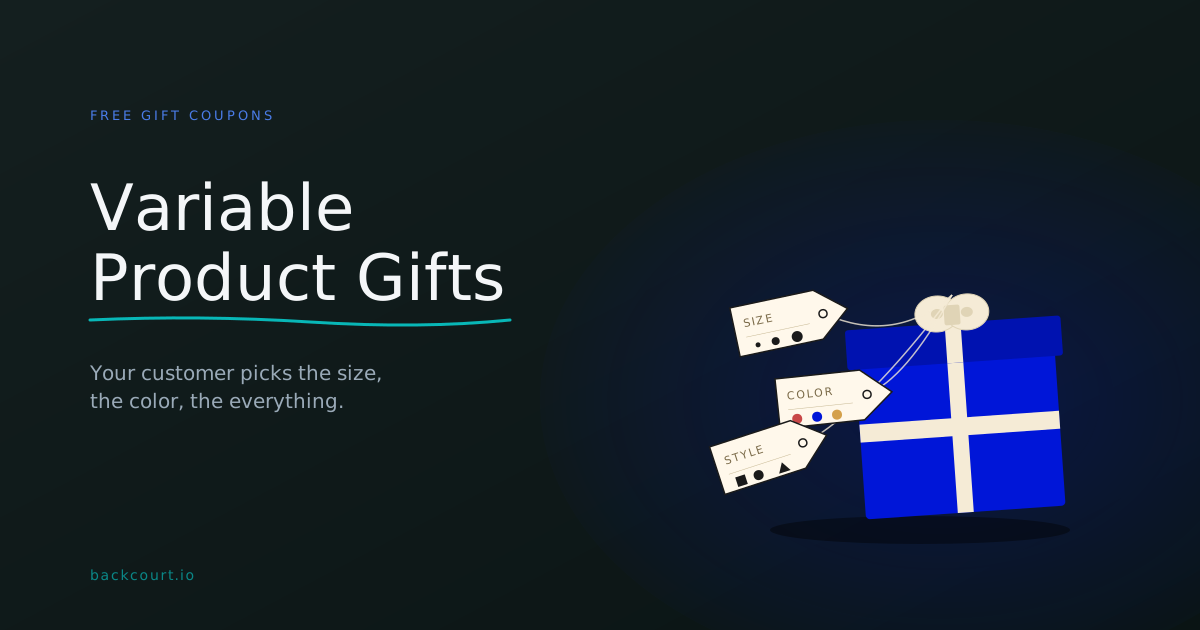
Give away a free t-shirt and let your customer pick the size in their cart. Free Gift Coupons handles variable products natively, with three different ways to balance store control against customer choice.
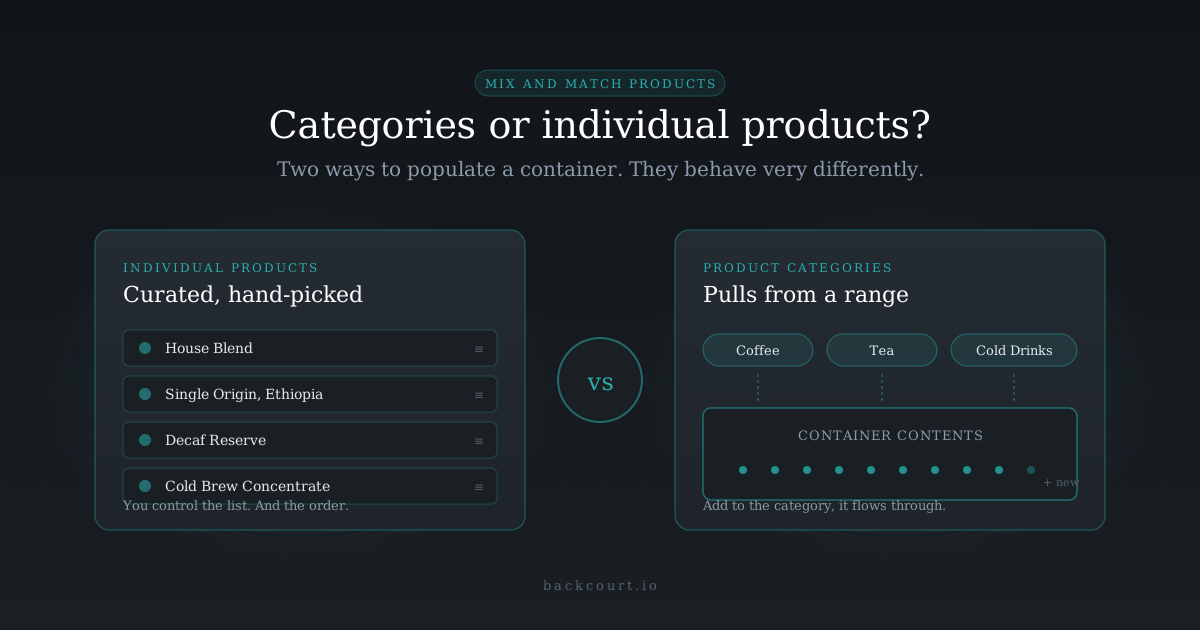
Hand-pick the products that can go in your Mix and Match container, or hand it a category and let the plugin do the pulling? Here’s how each mode actually works, and which one fits your catalog.
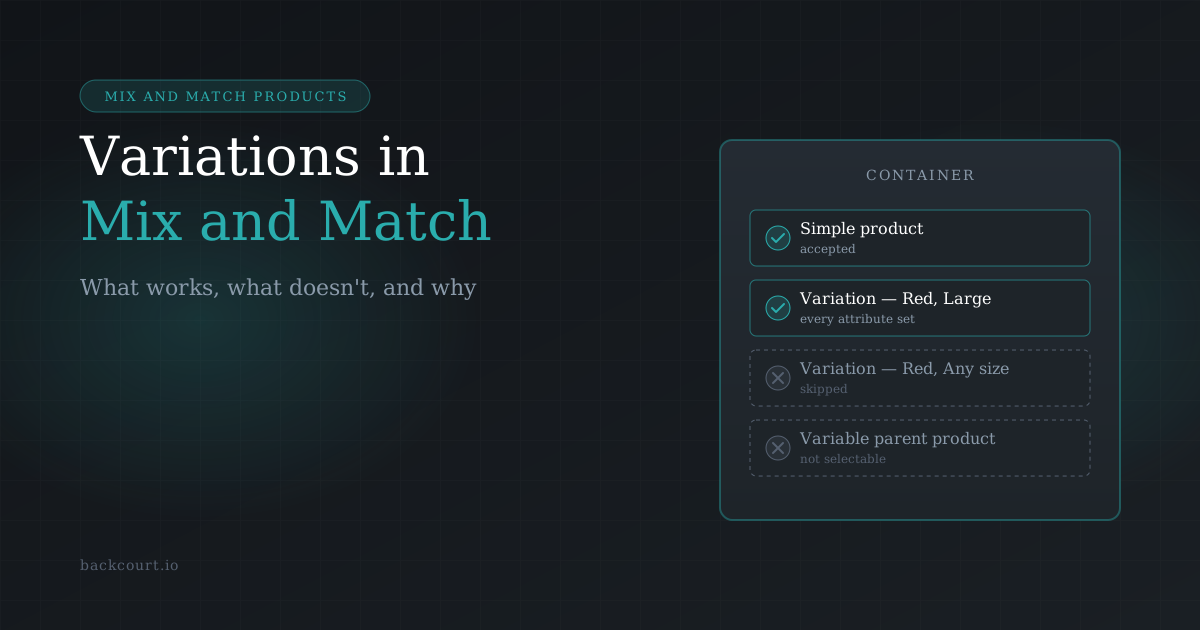
Variable products in Mix and Match trip up a lot of store owners: you add one to a container and nothing happens. Here’s why, and what actually works.
Set a minimum cart total before a free gift coupon can be applied — and combine it with free shipping or a percentage discount in the same coupon. Here’s how to configure each scenario.
With Mix and Match Products, you can build a BOGO deal directly into the product — no coupon required. Set the container price to one item’s cost, require two selections, and you’re done. Here’s how.
If your products aren’t appearing in a Mix and Match container, or they’re showing up but customers can’t select them, a small number of product settings are almost always the cause. Here’s how to find and fix the issue.