-
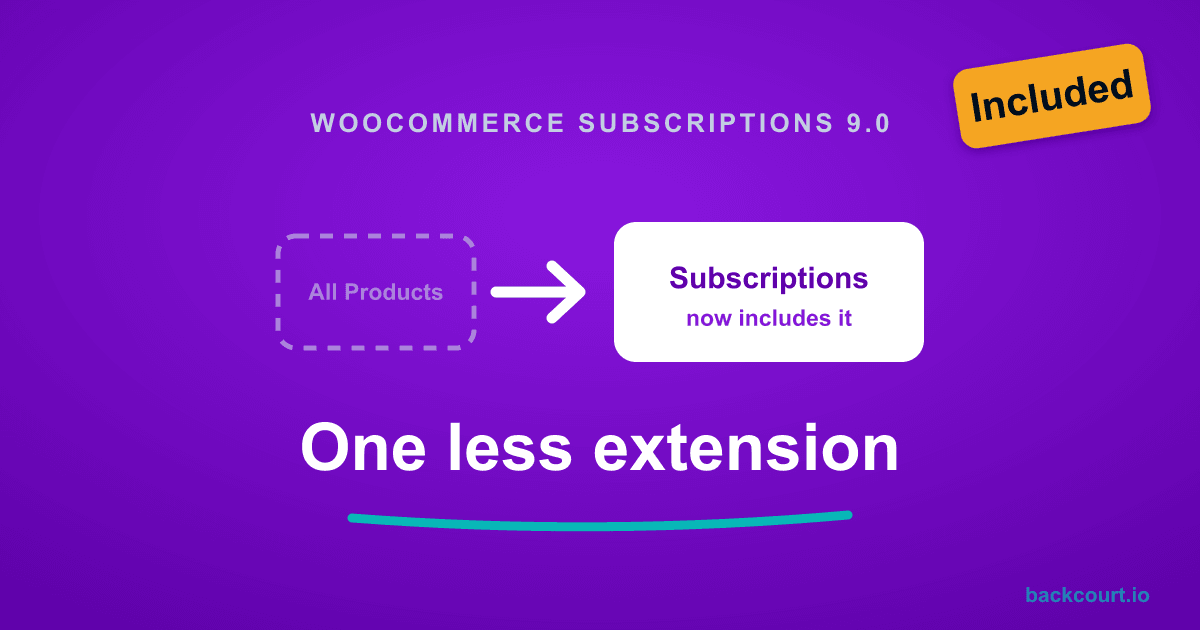
All Products for Subscriptions Is Now Built Into WooCommerce Subscriptions
All Products for Subscriptions is now part of WooCommerce Subscriptions 9.0 at no extra cost. Here is what changed, what to do with the standalone extension, and what it means for Mix and Match and Name Your Price stores.
-
What WooCommerce Subscriptions 9.0 Means for Mix and Match
WooCommerce Subscriptions 9.0 folds All Products for Subscriptions into core, so Mix and Match subscription boxes now run on two plugins instead of three. Here is what changed and what the container setup screen looks like now.
-
What WooCommerce Subscriptions 9.0 Means for Name Your Price
WooCommerce Subscriptions 9.0 changes one thing that affects Name Your Price stores: subscription product types are now off by default. Here is what is different and what to do about it.
-
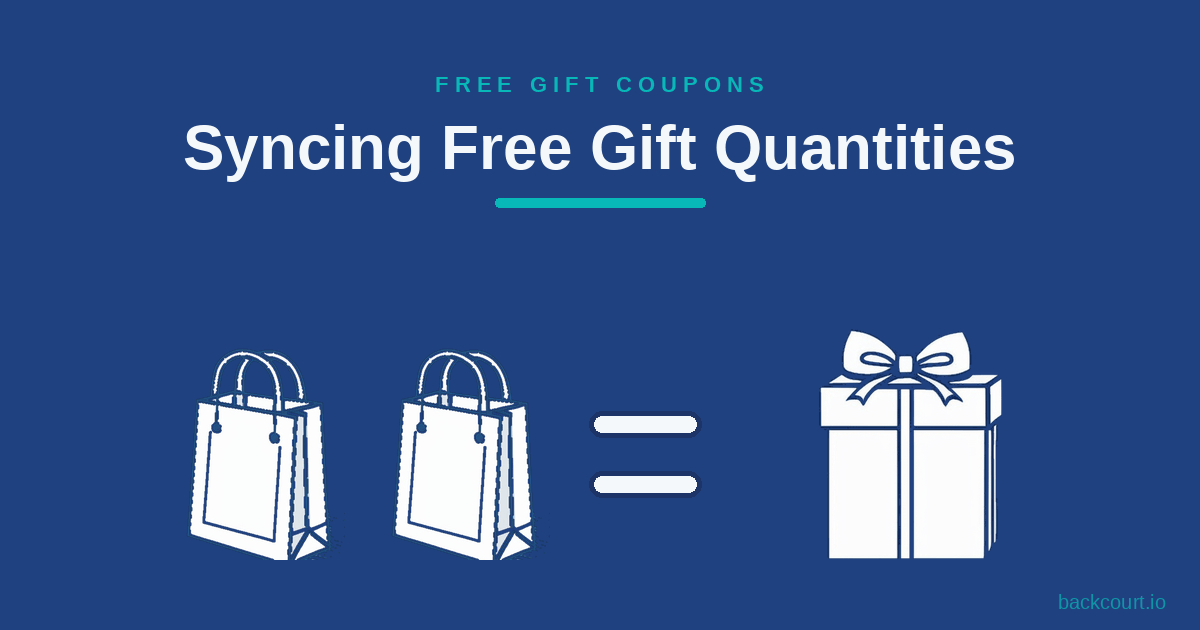
Syncing Free Gift Quantities to Purchase Quantities
Giving one free gift when a customer buys five of something feels stingy. Free Gift Coupons can sync the gift quantity to the purchase quantity, so buying five earns five free gifts automatically.
-
How to Prevent Products from Being Sold Outside Mix and Match Bundles
TL;DR: To sell a WooCommerce product only inside a Mix and Match bundle, edit the product and tick Not sold separately on the Inventory tab. The setting is built into Mix and Match Products 2.9.0 and newer, so there is nothing extra to install. The product’s Add to cart button disappears on its own page,…
-
How to Accept Invoice Payments in WooCommerce with Name Your Price
Most service businesses already have a WooCommerce store and don’t want to bolt on a separate invoicing tool. Here’s how to use Name Your Price to accept any invoice amount through your existing checkout, with three options for capturing the invoice number.
-
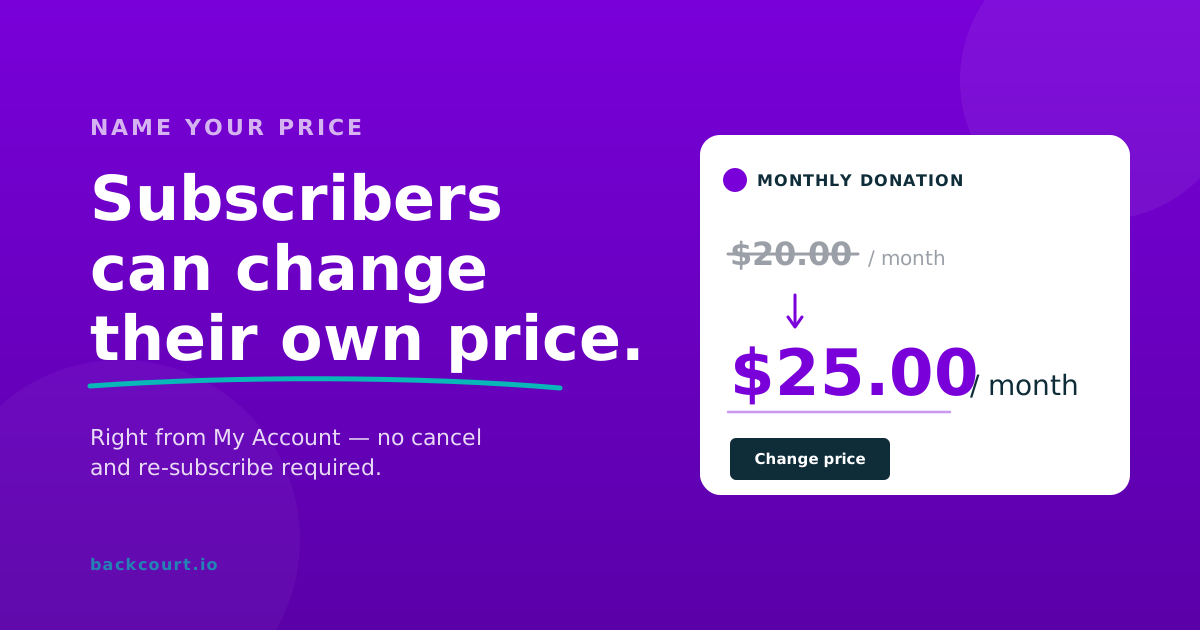
How Customers Can Change Subscription Prices with Name Your Price
Name Your Price extends WooCommerce Subscriptions’ switching feature to cover price changes. Subscribers update the amount they pay from My Account without canceling and re-subscribing. Here’s how to enable it, what subscribers see, and what gets validated.
-
How to Accept Recurring Donations in WooCommerce with Name Your Price
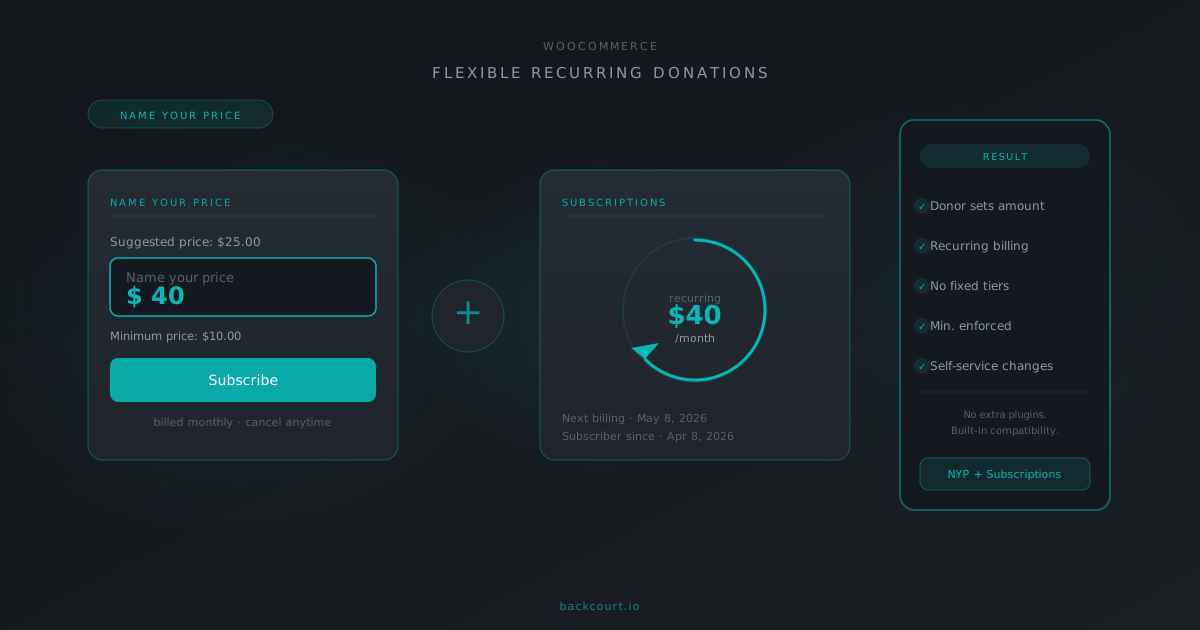
Name Your Price has built-in compatibility with WooCommerce Subscriptions, and together they let donors set their own recurring amount without fixed tiers. Here’s what the integration enables and what you’ll need.
-
Variable Product Gifts: Let Customers Choose Their Free Gift Attributes
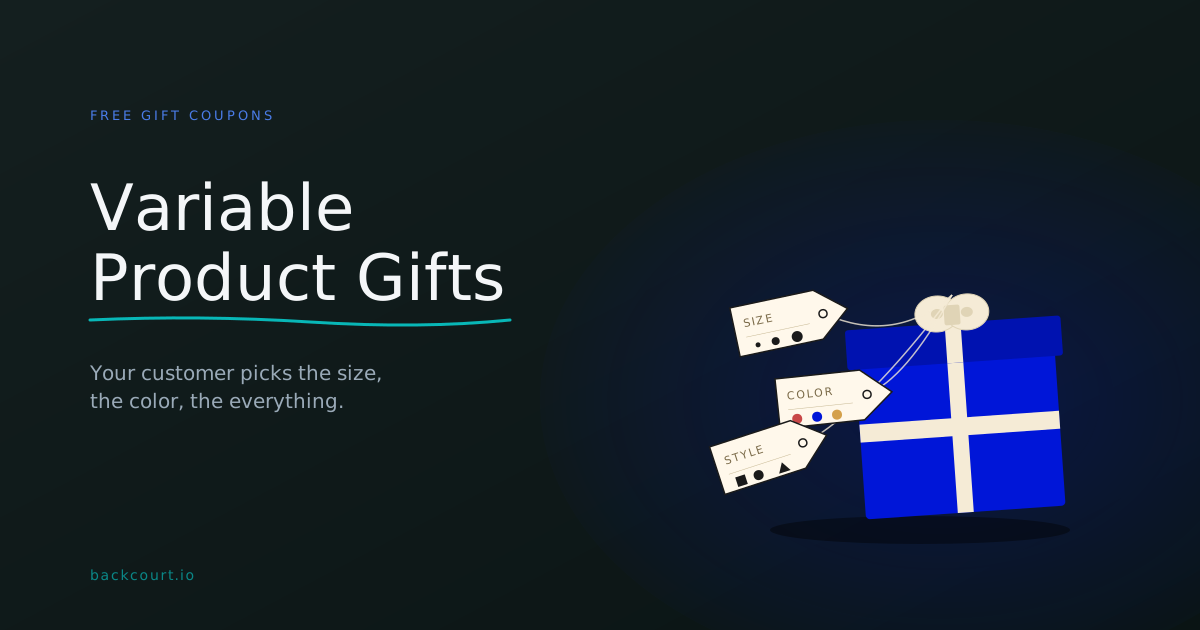
Give away a free t-shirt and let your customer pick the size in their cart. Free Gift Coupons handles variable products natively, with three different ways to balance store control against customer choice.
-
Using Categories vs. Individual Products in Mix and Match
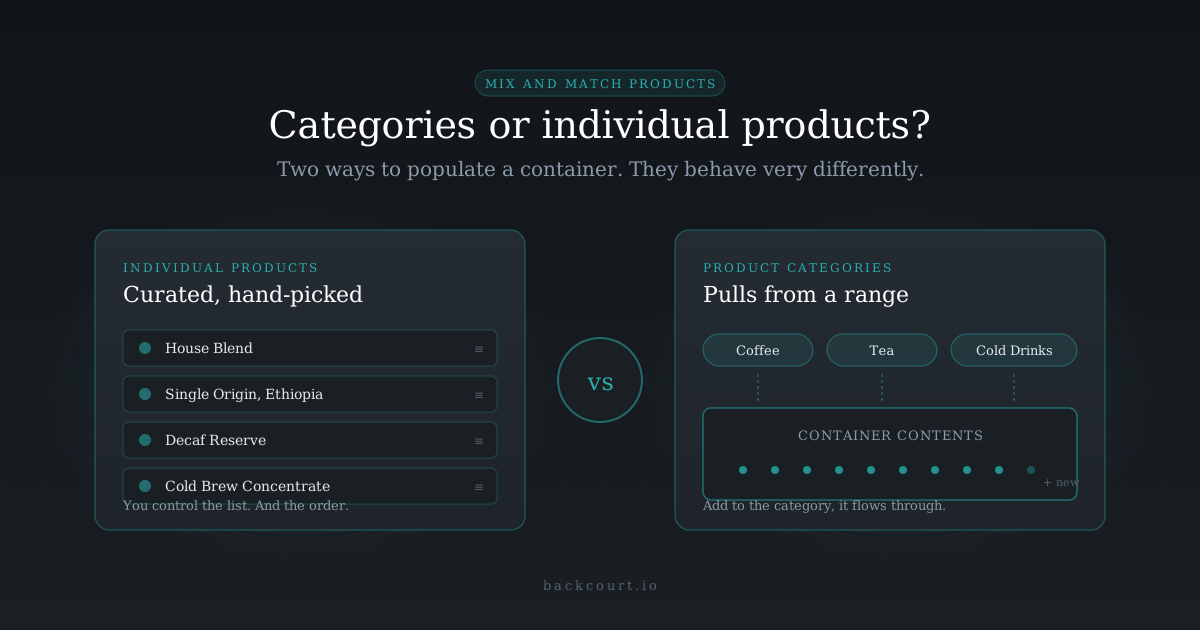
Hand-pick the products that can go in your Mix and Match container, or hand it a category and let the plugin do the pulling? Here’s how each mode actually works, and which one fits your catalog.