Syncing Free Gift Quantities to Purchase Quantities
Giving one free gift when a customer buys five of something feels stingy. Free Gift Coupons can sync the gift quantity to the purchase quantity, so buying five earns five free gifts automatically.

Everything you need to know to set-up your WooCommerce website!
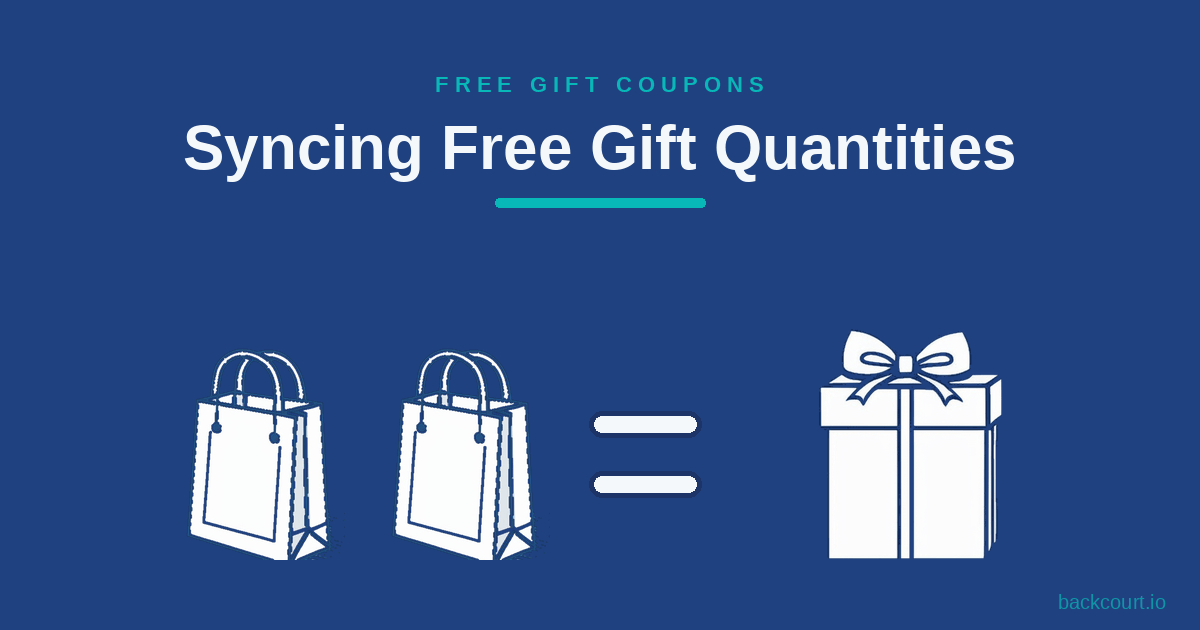
Giving one free gift when a customer buys five of something feels stingy. Free Gift Coupons can sync the gift quantity to the purchase quantity, so buying five earns five free gifts automatically.

TL;DR: To sell a WooCommerce product only inside a Mix and Match bundle, edit the product and tick Not sold separately on the Inventory tab. The setting is built into Mix and Match Products 2.9.0 and newer, so there is nothing extra to install. The product’s Add to cart button disappears on its own page, replaced by the message “This product can only be purchased as part of a mix and match bundle.” and links to the bundles that include it, but the product stays fully selectable inside any Mix and Match container.

Most service businesses already have a WooCommerce store and don’t want to bolt on a separate invoicing tool. Here’s how to use Name Your Price to accept any invoice amount through your existing checkout, with three options for capturing the invoice number.
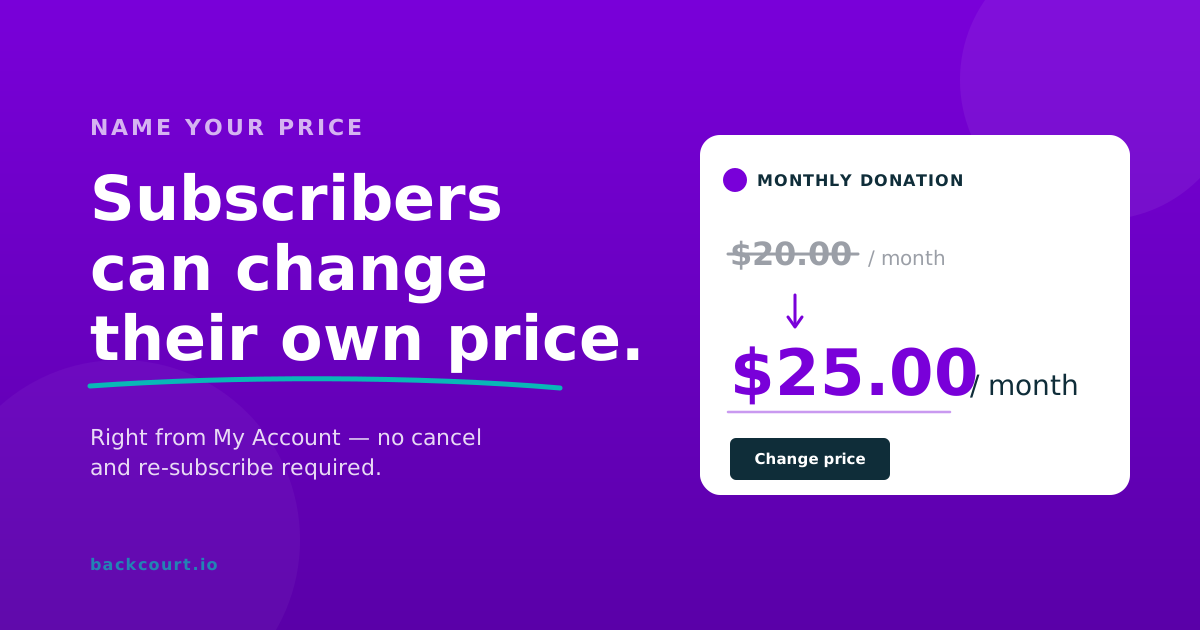
Name Your Price extends WooCommerce Subscriptions’ switching feature to cover price changes. Subscribers update the amount they pay from My Account without canceling and re-subscribing. Here’s how to enable it, what subscribers see, and what gets validated.
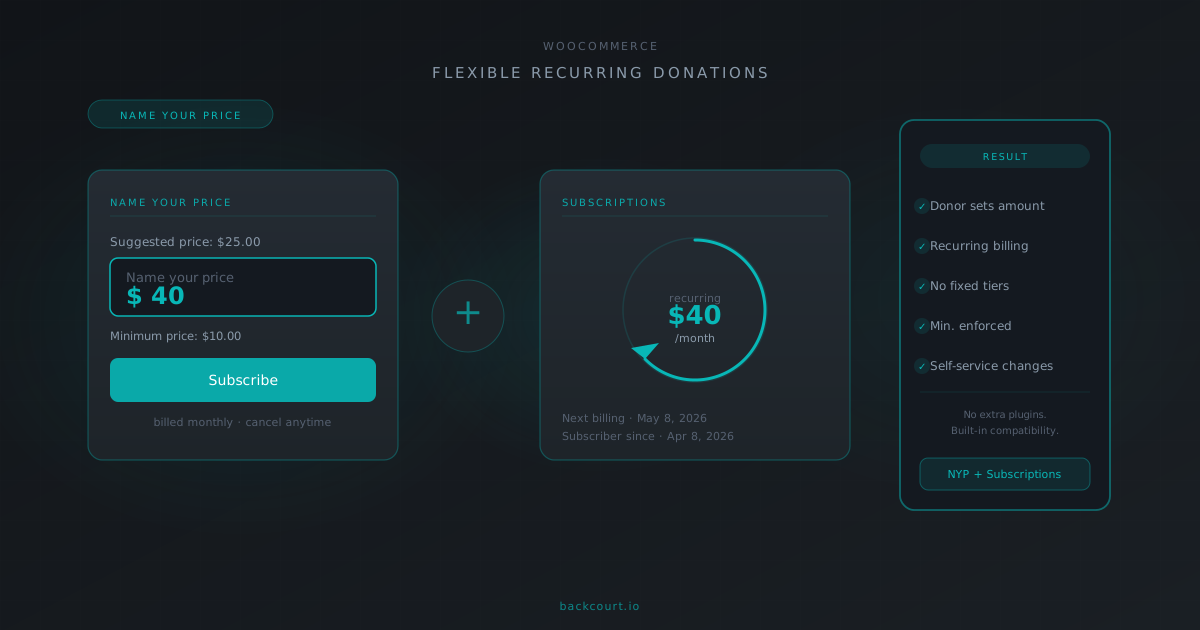
Name Your Price has built-in compatibility with WooCommerce Subscriptions, and together they let donors set their own recurring amount without fixed tiers. Here’s what the integration enables and what you’ll need.
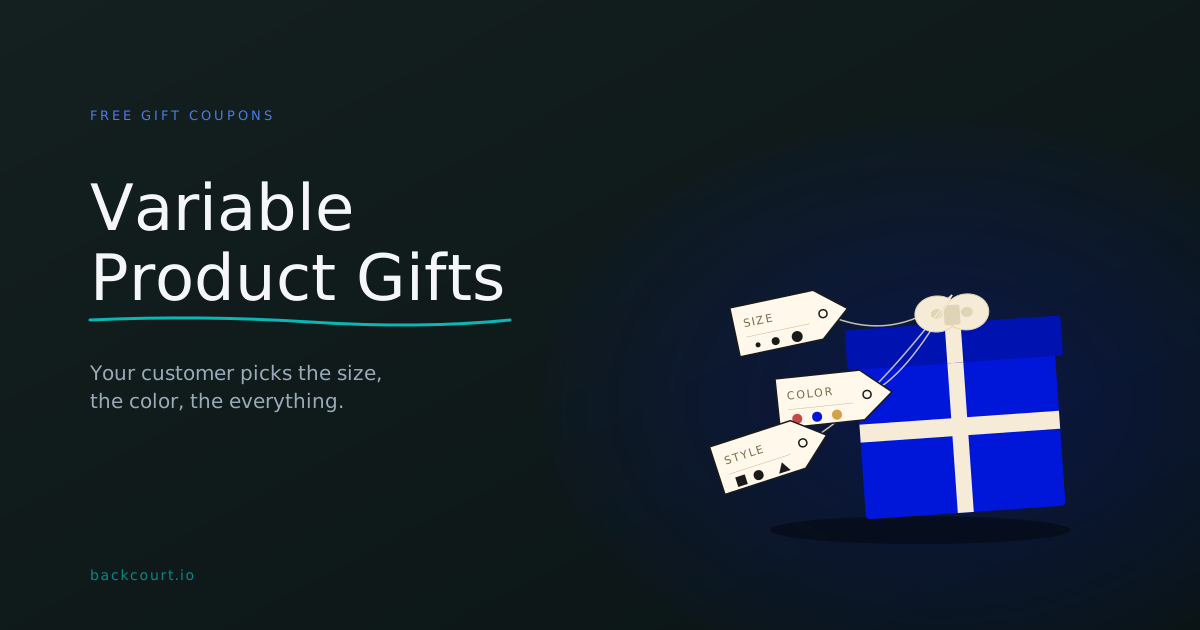
Give away a free t-shirt and let your customer pick the size in their cart. Free Gift Coupons handles variable products natively, with three different ways to balance store control against customer choice.
Set a minimum cart total before a free gift coupon can be applied — and combine it with free shipping or a percentage discount in the same coupon. Here’s how to configure each scenario.
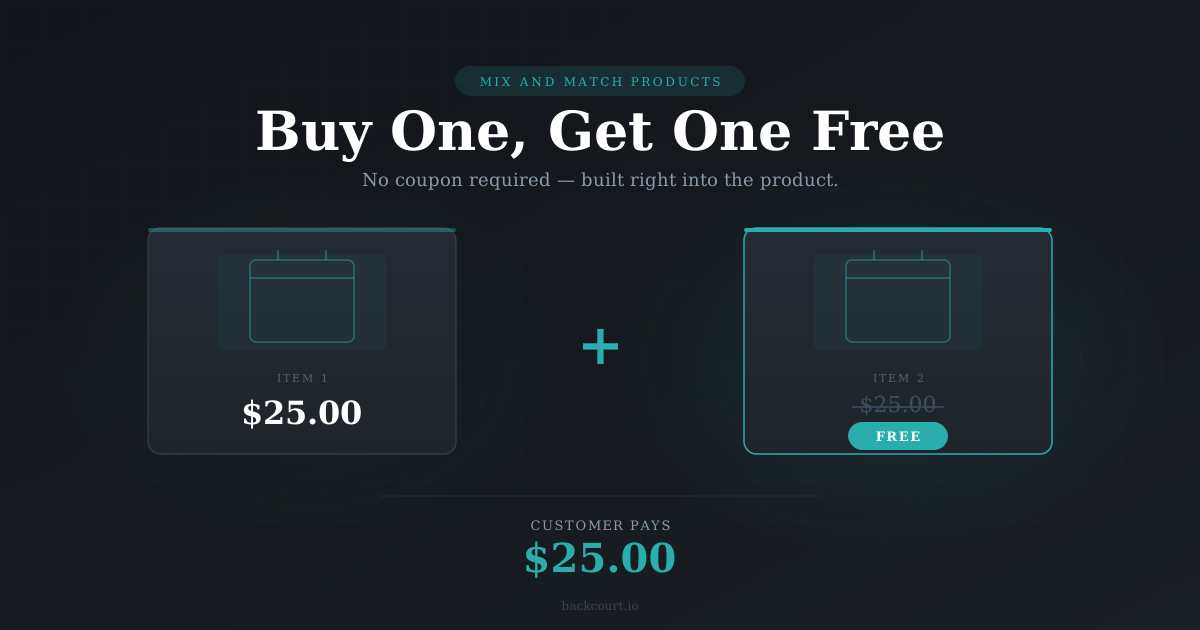
With Mix and Match Products, you can build a BOGO deal directly into the product — no coupon required. Set the container price to one item’s cost, require two selections, and you’re done. Here’s how.
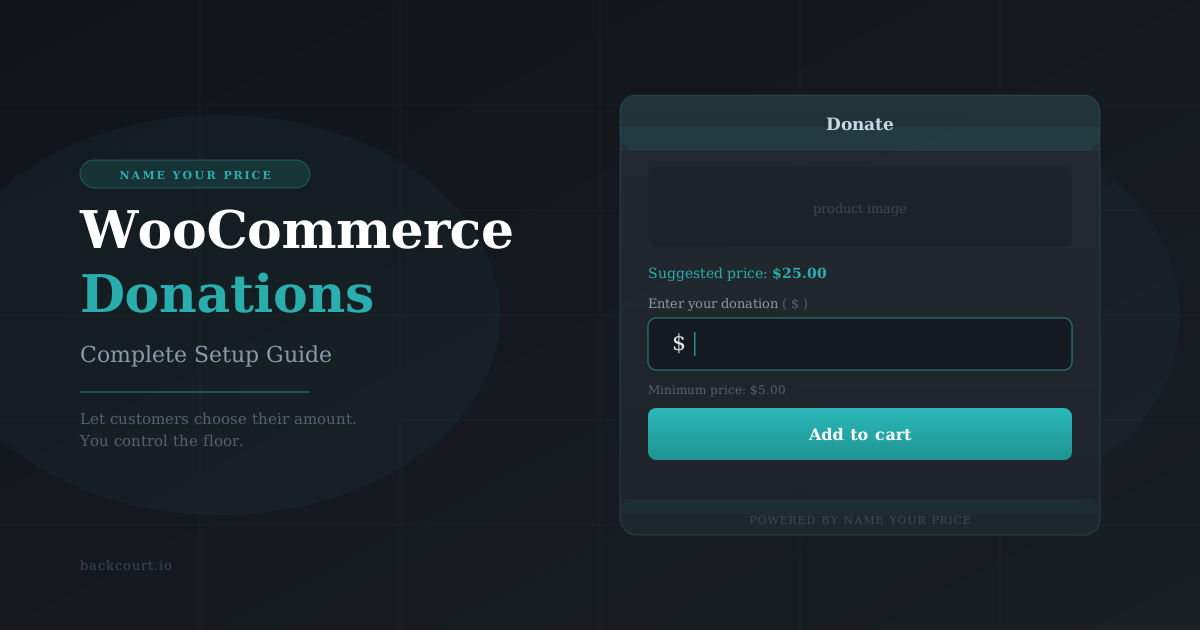
Accepting donations in WooCommerce is straightforward with Name Your Price — customers set their own amount, you set the floor. Here’s how to get it running in about ten minutes.

Mix and Match Products gives you two ways to price your bundles: a single fixed price, or a total that adds up from what your customers select. Here’s how each one works — and how to choose.