All Products for Subscriptions Is Now Built Into WooCommerce Subscriptions
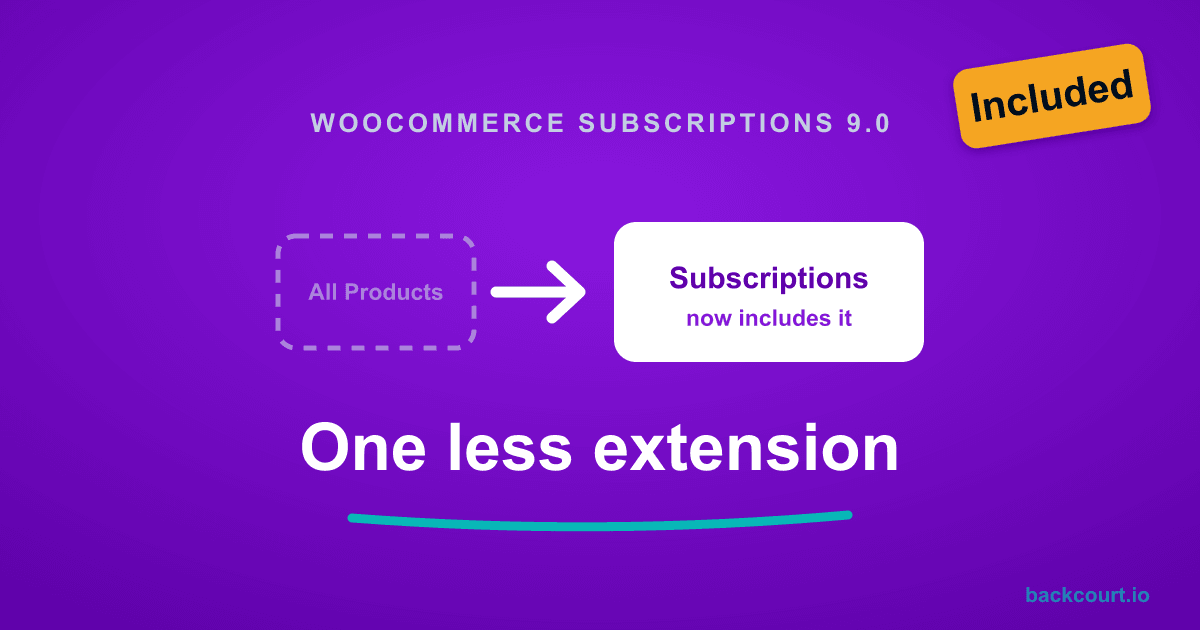
TL;DR: WooCommerce Subscriptions 9.0.0, released June 23, 2026, builds All Products for Subscriptions into WooCommerce Subscriptions itself. You can now sell any product as a one-time purchase, a subscription, or both, with no separate extension. Existing stores move over automatically, so you can deactivate the standalone plugin. Stores that never had it get the feature when they update to 9.0.
If you have ever wanted to let customers subscribe to a normal product, not a dedicated subscription product, you have probably reached for All Products for WooCommerce Subscriptions. As of WooCommerce Subscriptions 9.0, that extension is no longer a separate purchase. It now ships as part of WooCommerce Subscriptions itself.
Here is what changed, what to do if you already run the standalone extension, and how it affects stores using Mix and Match and Name Your Price.
What changed in WooCommerce Subscriptions 9.0
WooCommerce Subscriptions 9.0.0 was released on June 23, 2026. The headline change, straight from the changelog:
All Products for Subscriptions is now built into WooCommerce Subscriptions: sell any product as a one-time purchase, a subscription, or both, with no separate plugin needed.
The standalone All Products for WooCommerce Subscriptions extension has been retired. Every feature it gave you now lives in WooCommerce Subscriptions itself, at no extra cost. If you were paying for it separately, that bill goes away.
Nothing was rewritten. The features work the way they always did. What changed is where they come from and what you pay for them.
What All Products for Subscriptions actually does
WooCommerce Subscriptions on its own gives your WooCommerce store two dedicated subscription-based product types: Simple subscription and Variable subscription. Those products are subscriptions. A customer buys them, and the recurring charge starts.
All Products for Subscriptions works from the flip side. Instead of creating products that are subscriptions, it adds a subscription option to products that are not. Your ordinary catalog items stay exactly what they are and gain a recurring option on top. A customer looking at a regular product sees a choice: buy it once, or subscribe and save. The same product covers both.
That option now works across product types, including:
- Simple products and variable products
- Product Bundles and Composite Products
- Container-style products such as Mix and Match builds
This is what powers “subscribe and save” options, optional subscriptions on physical goods, and subscription boxes built from products you already sell. Before 9.0 you needed the separate extension to offer any of it. Now it comes with Subscriptions.
If you already run the standalone extension
Your store keeps working. WooCommerce Subscriptions 9.0 moves everything over for you, and your subscription settings carry over unchanged.
If you used storewide subscription plans, Subscriptions has to convert those products to the way it stores plans now. It does that for you in the background after you update. On a large catalog, give it time to finish.
Once you have updated to 9.0 and that has run, you no longer need the standalone All Products plugin. Deactivate it, then delete it. Your settings stay where they are, and WooCommerce Subscriptions takes over.
Tip: Update WooCommerce Subscriptions to 9.0 first and confirm your existing subscription products still show the buy-once and subscribe options as expected. Then deactivate the standalone extension.
If you never had the standalone extension
You get the feature for free. Update WooCommerce Subscriptions to 9.0 or later and the All Products options show up on your product edit screens on their own. Nothing to buy, nothing to install.
From there you can add a subscription plan to any product that supports one, and let customers pick between a single order and a recurring one.
What changes for Backcourt plugin users
If you run Mix and Match, Name Your Price, or Free Gift Coupons alongside WooCommerce Subscriptions, the short version is that your store keeps working. Subscriptions 9.0 moved the All Products feature into the main plugin, and the hooks these three rely on came with it, so your existing setups carry over. Update your Backcourt plugins to their current versions, then move to Subscriptions 9.0. Here is what each one means for you.
Mix and Match. You need one fewer plugin. Say you sell a build-your-own box that ships every month: a six-pack, a snack box, a starter kit. That used to take three plugins, because Mix and Match and WooCommerce Subscriptions could not do it alone; you also had to buy All Products. Now the same box runs on two, and the boxes you already sell keep working after you update. One thing did change: the screen where you set up a container’s subscription looks different in 9.0. If you build or edit subscription boxes, our guide What WooCommerce Subscriptions 9.0 Means for Mix and Match walks through the new screen.
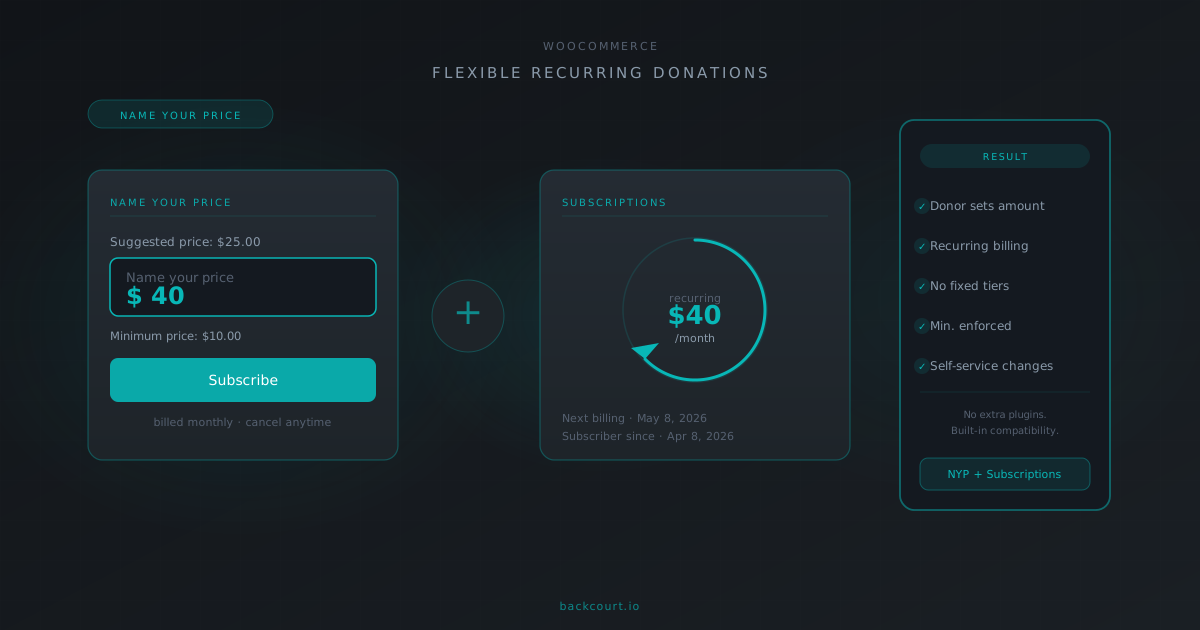
Name Your Price. Name Your Price works with WooCommerce Subscriptions on its own, so it never needed All Products to let a customer name the price of a subscription. We have tested it against Subscriptions 9.0 on current versions. What did change is how you create and manage subscription products, and some of that reaches Name Your Price setups. Our guide What WooCommerce Subscriptions 9.0 Means for Name Your Price covers it step by step. The pricing guides still apply as written: accepting recurring donations and letting customers change their subscription price.
Free Gift Coupons. Nothing changes here either. A free gift stays a one-time item at no cost, and Free Gift Coupons never turns it into a recurring charge, even on a store that sells subscriptions. That guard is built into the plugin and it still holds under Subscriptions 9.0. Keep Free Gift Coupons up to date and it stays that way.
Also in WooCommerce Subscriptions 9.0
The All Products merge is the headline, but 9.0 fixes a few other things worth knowing about:
- The Subscriptions Health Check tool now fixes problems instead of only flagging them. When it finds a subscription that needs attention, you can switch it to automatic renewal or process the renewal right there in the results.
- Duplicate subscriptions no longer slip through to orders. “Limit to one active subscription” also counts a pending-cancel subscription as active now, so a customer cannot buy a second one while the first still gives them access.
- A cart error when customers switched subscriptions is fixed, so switches go through cleanly.
Frequently Asked Questions
Do I still need to buy All Products for WooCommerce Subscriptions?
No. As of WooCommerce Subscriptions 9.0.0, released June 23, 2026, the feature is built into WooCommerce Subscriptions at no extra cost. The standalone extension has been retired.
What happens to my settings if I deactivate the standalone plugin?
They carry over. WooCommerce Subscriptions 9.0 moves existing installs over for you, so deactivating and deleting the standalone plugin after you update leaves your subscription setup exactly as it was.
Can I sell any product as a subscription now?
Yes. WooCommerce Subscriptions 9.0 lets you offer a one-time purchase, a subscription, or both on simple products, variable products, Product Bundles, Composite Products, and Mix and Match containers.
Does this replace the dedicated subscription product types?
No. Simple subscription and Variable subscription still exist for products that are only ever sold as subscriptions. The All Products feature adds an optional subscription to the products you already sell. You can use both.
Do Backcourt plugins need a separate extension for subscriptions after 9.0?
No. Mix and Match subscription boxes use the All Products feature that now ships with WooCommerce Subscriptions. Name Your Price works with Subscriptions on its own, and Free Gift Coupons keeps its own guard against charging for gifts. None of the three needs the standalone extension once you update to WooCommerce Subscriptions 9.0.
What’s next?
- Read the official WooCommerce Subscriptions documentation for the current setup screens after the merge.
- Selling recurring donations or letting customers set their own recurring price? Start with How to Accept Recurring Donations in WooCommerce with Name Your Price.
- Letting subscribers change their price over time? See How Customers Can Change Subscription Prices with Name Your Price.
- Running Name Your Price on subscriptions? See What WooCommerce Subscriptions 9.0 Means for Name Your Price.
- Building or updating a subscription box with Mix and Match? Our guide What WooCommerce Subscriptions 9.0 Means for Mix and Match covers the new container setup.
That is one fewer plugin to pay for, one fewer to keep updated, and no change to what your customers see at checkout. If you run WooCommerce Subscriptions, update to 9.0 and take the standalone extension off your plate.