Name Your Price for Donations: Complete Setup Guide
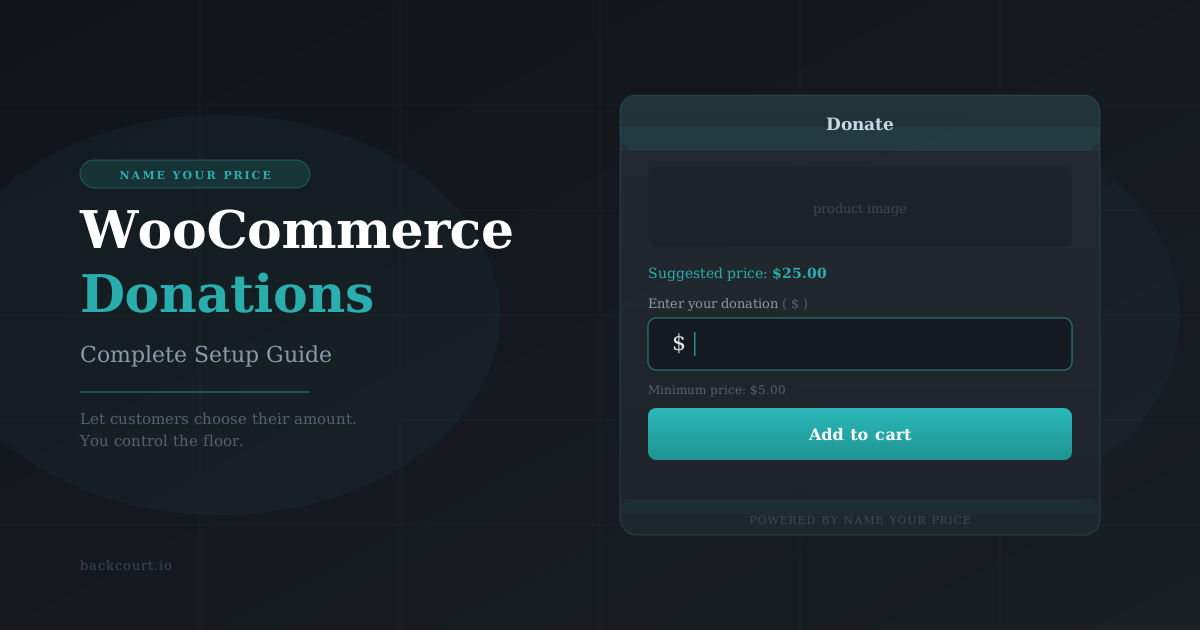
Accepting donations in WooCommerce is straightforward with Name Your Price — customers set their own amount, you set the floor. Here’s how to get it running in about ten minutes.
Mix and Match Products gives you two ways to price your bundles: a single fixed price, or a total that adds up from what your customers select. Here’s how each one works — and how to choose.
When a customer applies a Free Gift Coupon, your chosen product lands in their cart automatically — no manual work on either end. Here’s how to configure your first one.
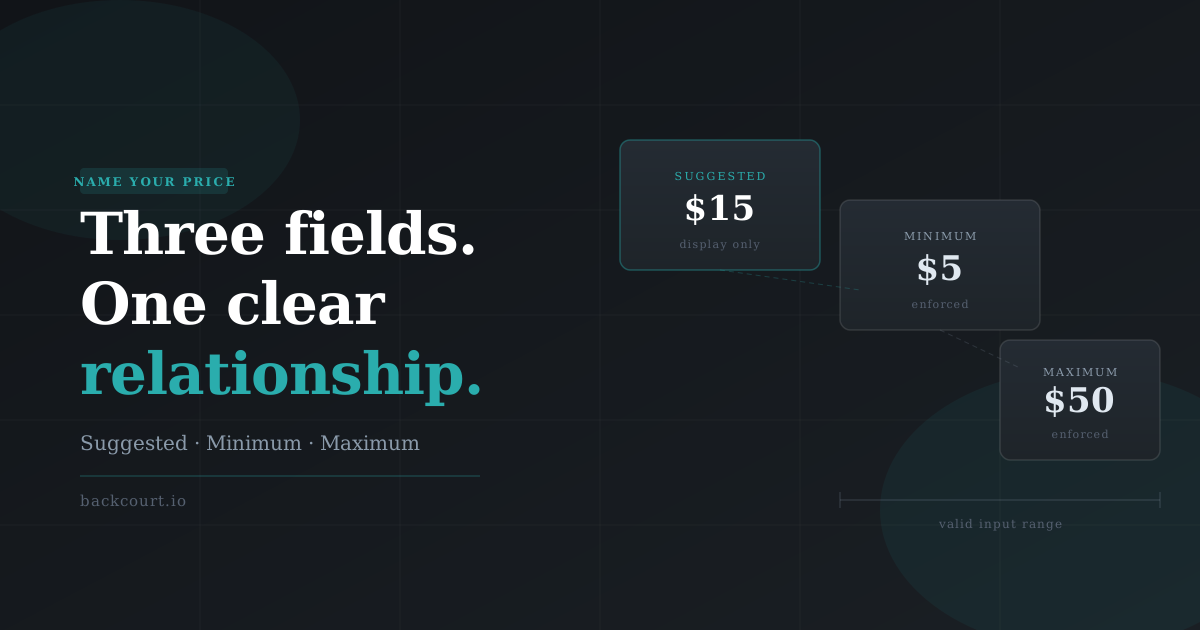
Suggested Price, Minimum Price, Maximum Price: three optional fields, one specific relationship between them. This guide breaks down what each one controls and which combinations to reach for.
This release improves cart editing behavior, especially for unlimited containers, and aligns several internal hooks more closely with WooCommerce core behavior. It also includes a small markup update for the classic cart display.
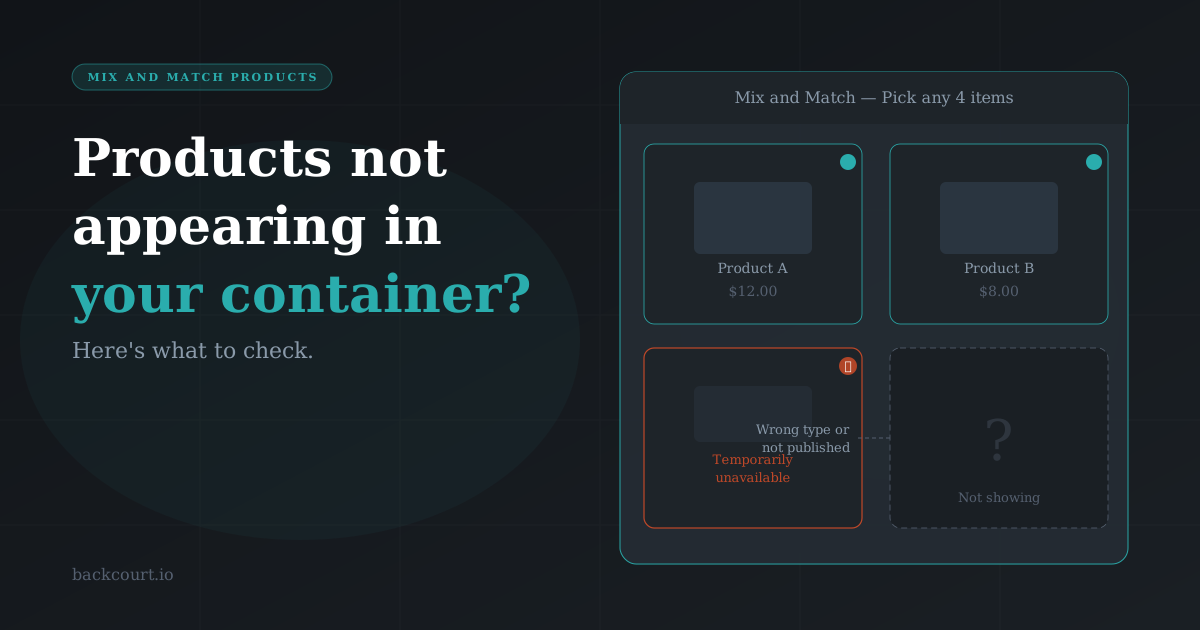
So you’ve heard about Mix and Match Products — or maybe you’ve been browsing WooCommerce extensions looking for a way to let customers build their own bundles — and you’re wondering how complicated it actually is to get something live. Good news: it’s not complicated at all. In fact, with the right setup, you can…
This release focuses on fixing variation field issues, improving admin price field behavior, and restoring proper Store API cart responses for Name Your Price data.
This release includes a small but important cleanup to translation files and resolves an issue affecting the Cost of Goods (COG) field when Name Your Price is enabled.
This update resolves a formatting issue affecting how child items appear on the classic (non-block) Order Received page, and addresses a duplication issue impacting printed invoices.
This update focuses on improving price accuracy, keeping product option ordering consistent, and ensuring better compatibility with modern themes and tools. If you’re using per-item pricing, custom term ordering, or newer WordPress themes, this release smooths things out.