Name Your Price for Donations: Complete Setup Guide
Accepting donations in WooCommerce is straightforward with Name Your Price — customers set their own amount, you set the floor. Here’s how to get it running in about ten minutes.

Audience target
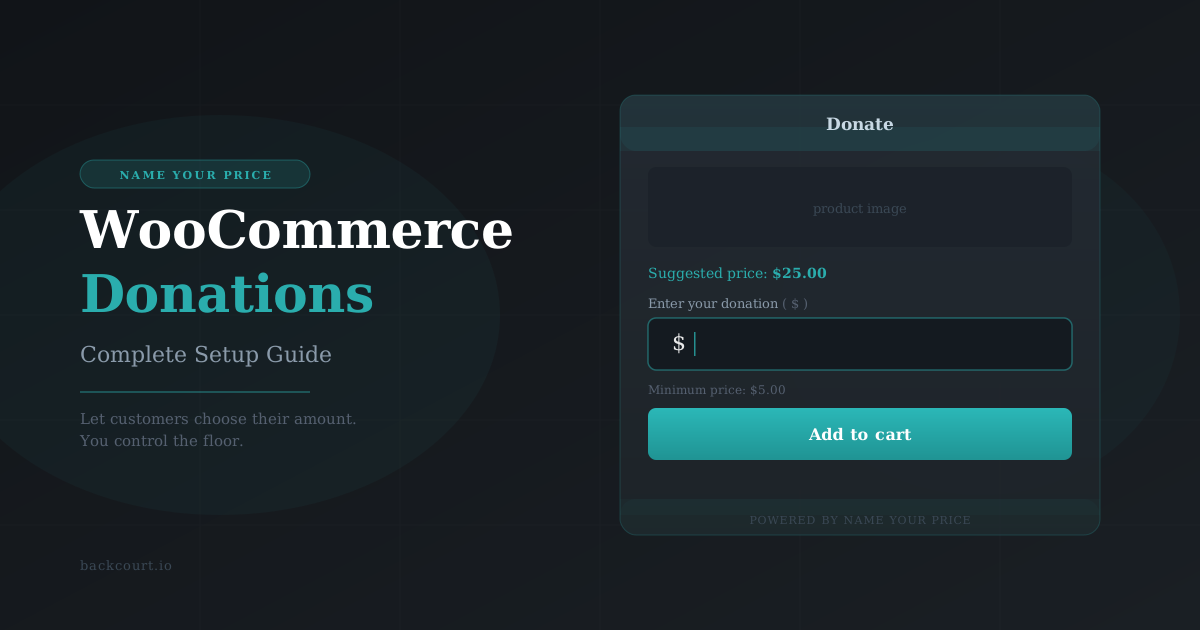
Accepting donations in WooCommerce is straightforward with Name Your Price — customers set their own amount, you set the floor. Here’s how to get it running in about ten minutes.

Mix and Match Products gives you two ways to price your bundles: a single fixed price, or a total that adds up from what your customers select. Here’s how each one works — and how to choose.
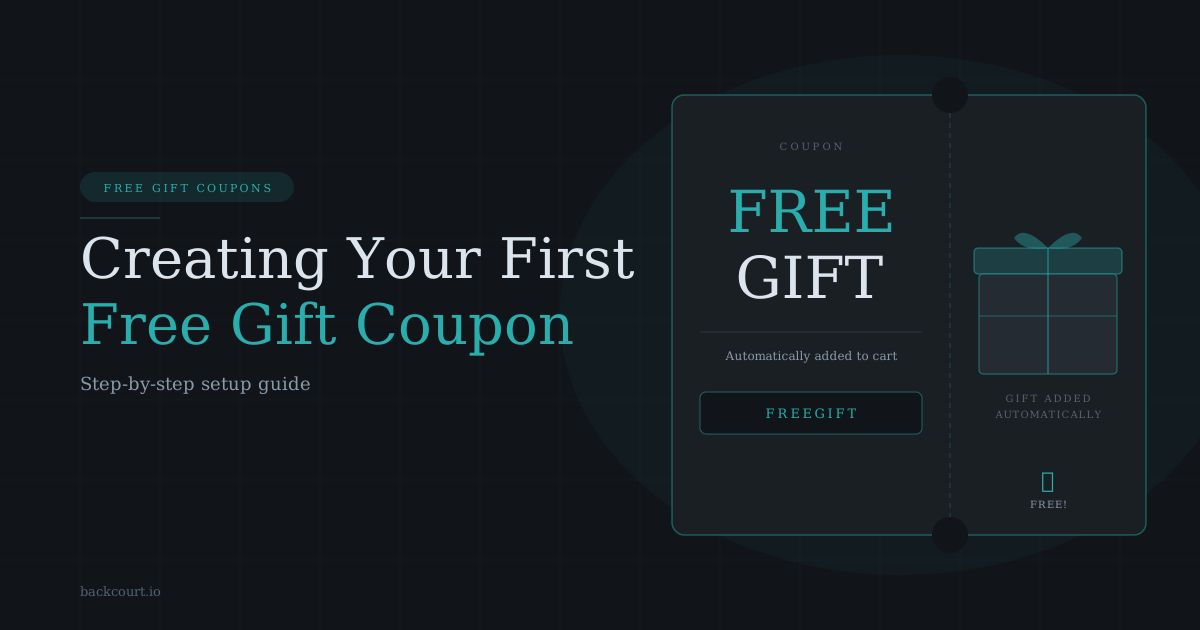
When a customer applies a Free Gift Coupon, your chosen product lands in their cart automatically — no manual work on either end. Here’s how to configure your first one.
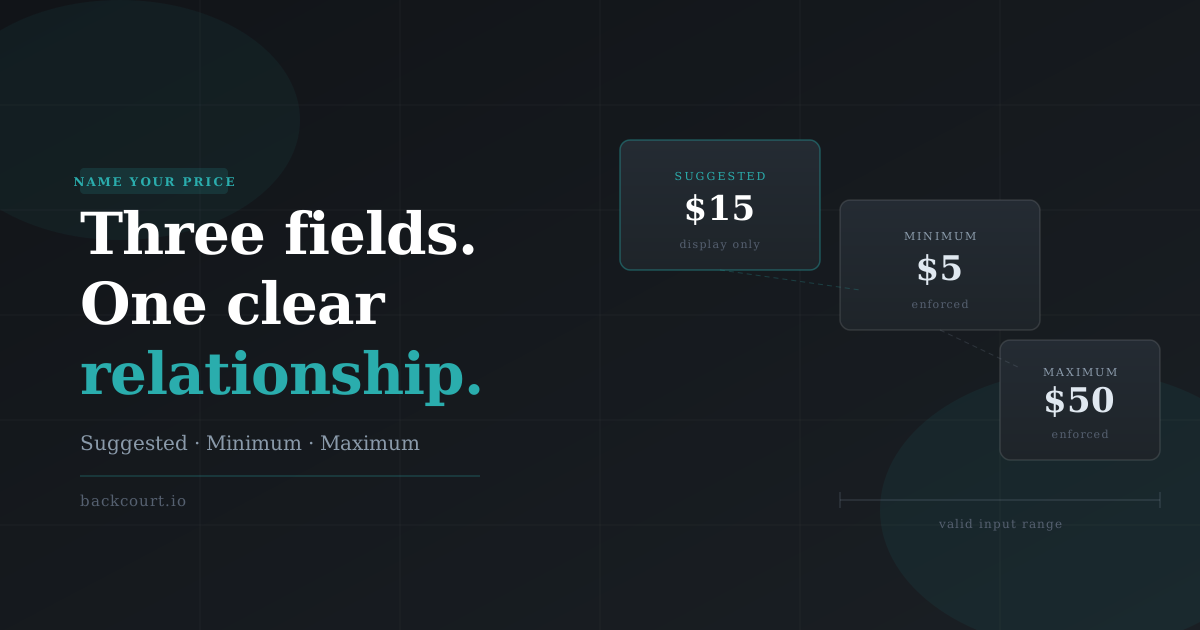
Suggested Price, Minimum Price, Maximum Price: three optional fields, one specific relationship between them. This guide breaks down what each one controls and which combinations to reach for.